Best AI Learning Apps for CBSE & Karnataka Board Students in 2026
What to actually look for when choosing an AI learning app for CBSE or Karnataka board students — a practical checklist, not just a list of names.
5 min read · Article 09 of 20
Search "best AI learning app" and you'll get a flood of listicles ranking apps by download counts and generic star ratings, most of which say almost nothing about whether an app will actually help your child, on their specific board, with their specific syllabus. This article takes a different approach: rather than ranking products, it's a practical framework for evaluating any AI learning app against what actually matters for CBSE and Karnataka board students specifically.
Why "Best" Depends on the Board, Not Just the App
This is the detail most generic "best apps" lists skip entirely: CBSE and Karnataka State Board don't just differ slightly — they follow different syllabi, different chapter sequences, and in some subjects, meaningfully different depth and emphasis. An app built primarily around NCERT/CBSE content, however well designed, may leave a Karnataka board student studying content that doesn't map cleanly to their actual textbook and exam.
The first, non-negotiable filter for any family should be: does this app teach my child's actual board and grade syllabus, chapter by chapter — not a generic "Class 8 Maths" curriculum that loosely overlaps.
The Real Evaluation Checklist
1. Syllabus alignment, specifically Confirm the app maps directly to your child's board (CBSE or Karnataka SSLC), grade, and — ideally — the current academic year's syllabus, since boards periodically revise content. Generic "all-India" content that doesn't distinguish between boards is a red flag, not a feature.
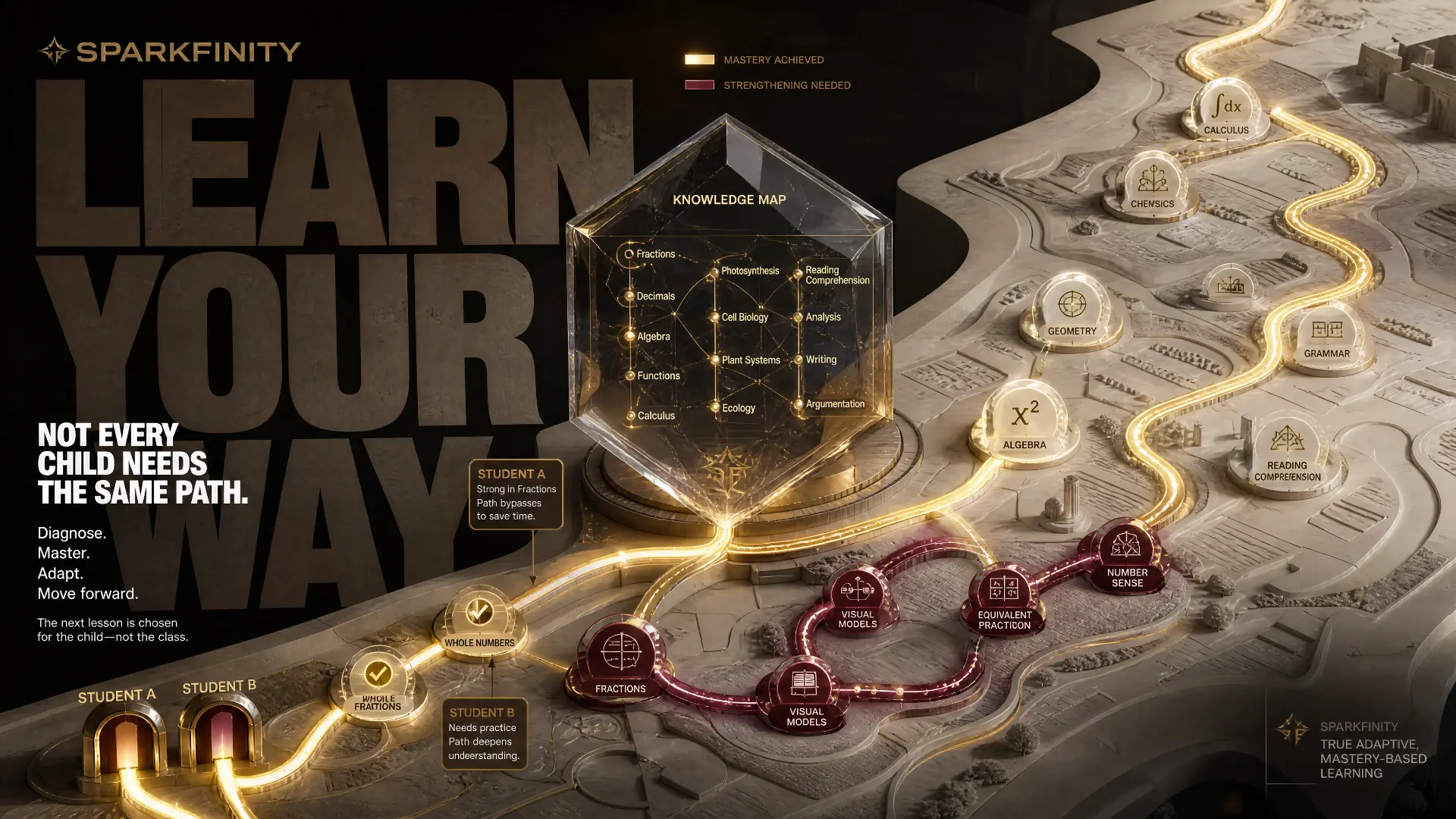
2. Genuine adaptive learning, not just difficulty settings As covered in adaptive learning explainers, real personalisation means the app adjusts based on tracked performance — resurfacing weak topics automatically — rather than a static path every student follows identically, or a menu where a child manually picks "easy/medium/hard."
3. Multiple ways of explaining the same concept A single video explanation, once, isn't enough for every learning style. Look for platforms offering more than one format for tough concepts — video, voice-tutor explanation, visual simulation — so a child who didn't understand it the first way has a genuine second path in, rather than just rewatching the same clip.
4. Real doubt-clearing, not just static content This is where a lot of "AI learning apps" fall short — they're really just video libraries with an AI label. Genuine doubt-clearing means a child can ask a follow-up question about something specific they don't understand and get a relevant, adaptive answer — not just a pre-recorded video with no way to interact further.
5. Retention tools, not just consumption tools Watching a video is passive. Retention requires active recall — flashcards, quizzes, and spaced revision that resurface material before it's forgotten. An app that's all video and no structured revision will produce short-term familiarity, not long-term retention.
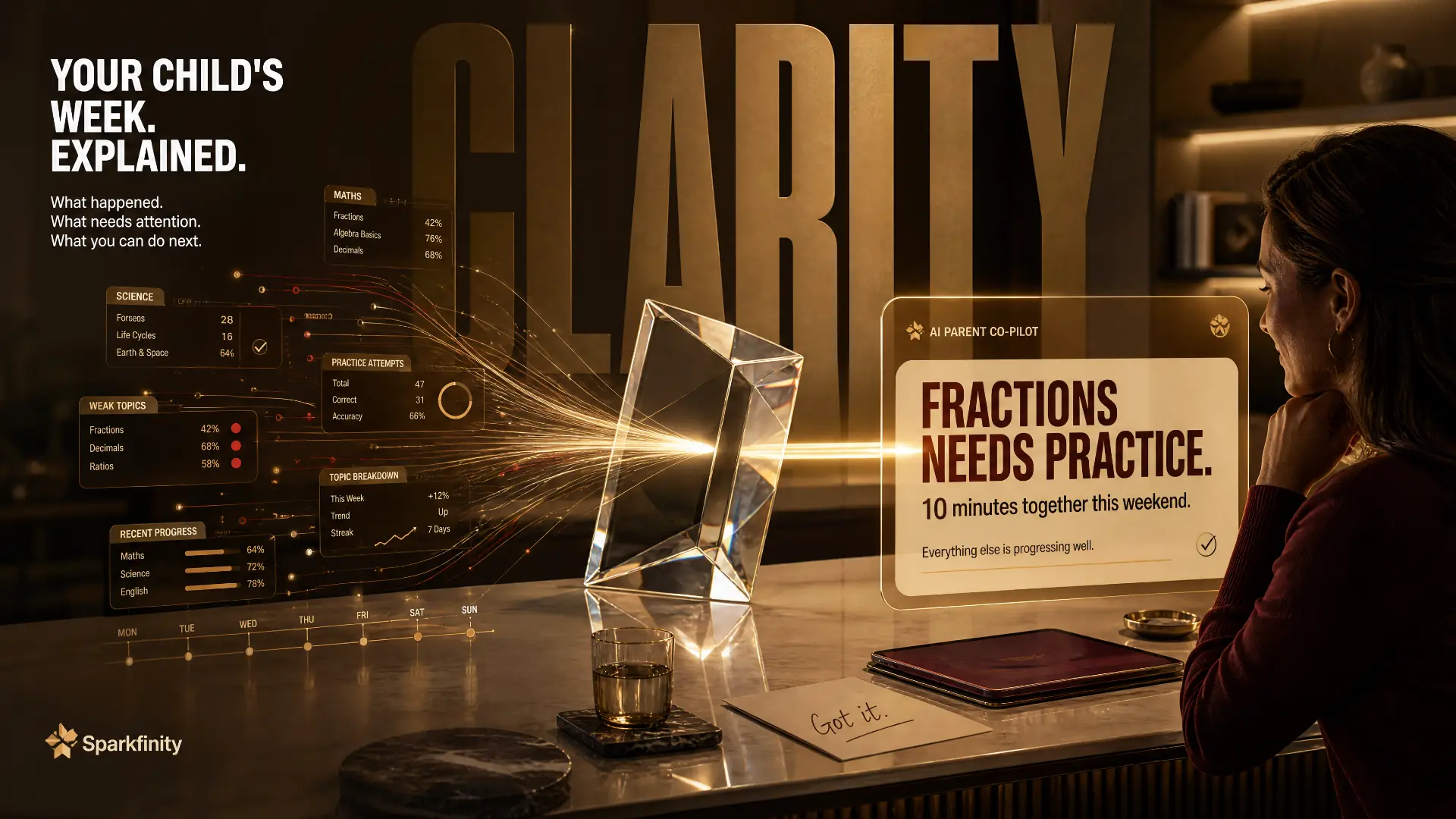
6. Transparency for parents Especially for younger children, it matters whether a parent can see genuine progress — not just "time spent in app," which measures engagement, not learning, but actual concept-level mastery over time.
7. Reasonable, honest pricing Be wary of apps priced primarily around gamified engagement metrics rather than genuine academic outcomes — flashy interfaces and streak counters are cheap to build; genuinely adaptive, syllabus-aligned content is not, and pricing should reflect that difference.
Trying Before Committing
Most reputable platforms offer some form of trial access — a free chapter, a demo lesson, or a short trial period. It's worth actually using this with a real chapter from your child's current syllabus, rather than a generic demo topic, before committing to a subscription. Watching how your own child responds to the explanation style, and checking whether the content genuinely matches their textbook, tells you far more in twenty minutes than any listicle or star rating ever will.
Questions Worth Asking Before Committing
Before subscribing to any AI learning app, it's worth getting clear answers to a few direct questions: Does it cover my child's specific board and current grade syllabus completely, not partially? Can I see what my child is actually struggling with, not just how long they used the app? Is there a way to try it with real content before committing to a subscription?
An app that can't answer these clearly, or answers vaguely, is worth being cautious about — regardless of how polished the marketing looks.
Red Flags Worth Watching For
A few patterns are worth treating as caution signs when evaluating any AI learning app, regardless of how polished its marketing looks:
- Generic, all-board content with no clear grade or board selection — a strong sign the "AI" label is layered on top of one-size-fits-all material rather than genuinely syllabus-mapped content.
- Heavy emphasis on streaks, badges, and gamified engagement, with little visible emphasis on actual concept mastery or progress tracking.
- No visible way to ask a follow-up question — if the only interaction is watching pre-recorded videos, the "AI tutor" framing is doing more marketing work than actual pedagogical work.
- Pricing that seems disconnected from content depth — either suspiciously cheap for genuinely comprehensive, syllabus-mapped content, or expensive without a clear explanation of what's actually included.
None of these automatically disqualify an app, but they're worth a closer look before committing a child's study time — and a family's money — to it.
Where Sparkfinity Fits This Checklist
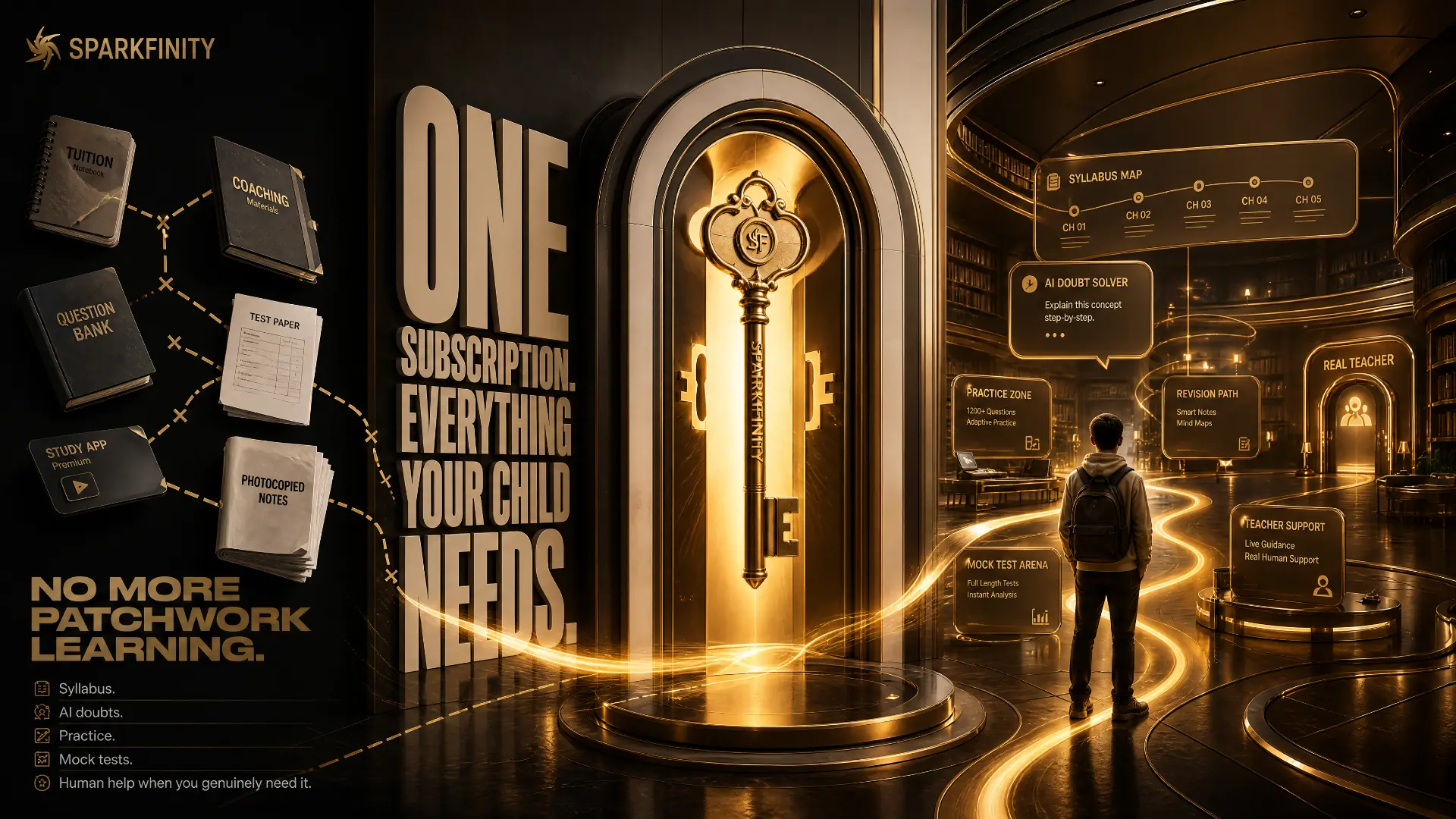
Sparkfinity was built directly against this checklist, not around it as an afterthought: it teaches the actual CBSE and Karnataka board syllabus, chapter by chapter, through AI video lessons, a voice tutor for genuine doubt-clearing, and adaptive flashcards that track what a specific child is forgetting and resurface it before the next test — not a generic AI-themed course, but AI teaching the subjects that are actually on the report card.
Frequently Asked Questions
Is one AI learning app enough, or should families use multiple apps? One well-matched, syllabus-aligned app is usually more effective than several loosely related ones — consistency and depth in one place tends to beat fragmented use across multiple tools.
How do I know if an app truly matches my child's board syllabus? Check for explicit grade and board selection (CBSE vs. Karnataka State Board, specific class) within the app itself, and verify a sample chapter against your child's actual textbook before subscribing.
Should younger children (Grades 1–5) and older children (Grades 9–10) use the same type of app? Not necessarily — younger children generally benefit from more guided, video-led formats, while older students preparing for boards need heavier emphasis on practice, doubt-clearing, and revision tools.
Is it worth paying for an AI learning app if a child already attends tuition? Often yes — tuition and AI-led learning tend to serve different needs (scheduled human guidance vs. consistent daily reinforcement), and many families find the two complement each other rather than compete.
Next step
Turn this into a plan for your child.
Two live classes a week, an AI tutor that remembers every weak topic, and a weekly parent update in plain language — ₹3,999 a month.
Continue exploring
Everything on Sparkfinity AI is one or two clicks away.
- All 14 FeaturesEvery capability in the Sparkfinity learning system.Open→
- Pricing₹3,999 a month — two live one-hour AI Basics classes each week.Open→
- How It WorksDiagnose, teach, test, retest — the loop behind every class.Open→
- FAQ28 answers on classes, safety, syllabus and pricing.Open→
- Contact UsTalk to us on WhatsApp, phone or email and book a seat.Open→